
- Apps
- Bedside Coach
- Apple Watch: Learner Alerts & Actor Cues
Bedside Coach · For faculty and students
Learner critical update
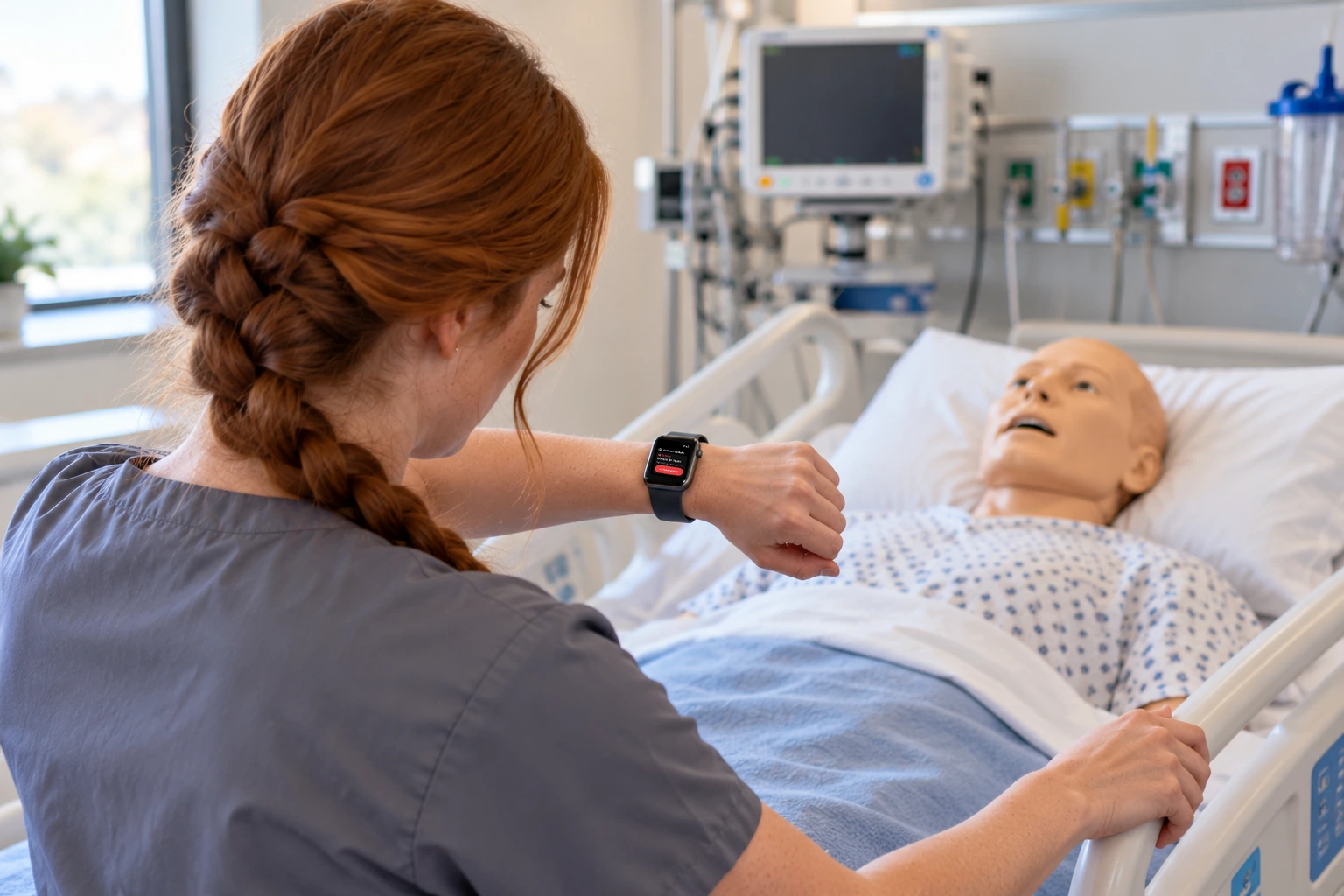
The student's watch shows a new result or a critical update.
How this helps you improve
How this helps you improve
Acknowledge means the learner saw the update. The assessment or the call still happens in the scenario, so seeing the alert and acting on it stay separate.
What the app is doing
Acknowledge means they saw it. It does not mean the care is finished.
You followed this path
You saw a critical result on the wrist, a connected watch, the bedside screen, and an alert the learner can acknowledge. Seeing an alert and acting on it stay separate, which is what the later review can talk about.
Bedside Coach is free to use, and no account is required. Next, you can follow Instructor Session: Three Devices, One Patient.
Engage Brandon if you want help using a path like this with your faculty.
Arrow keys or a sideways swipe move between scenes. Fictional practice only.