
- Apps
- Bedside Coach
- Apple Watch: Learner Alerts & Actor Cues
Bedside Coach · For faculty and students
The bedside screen
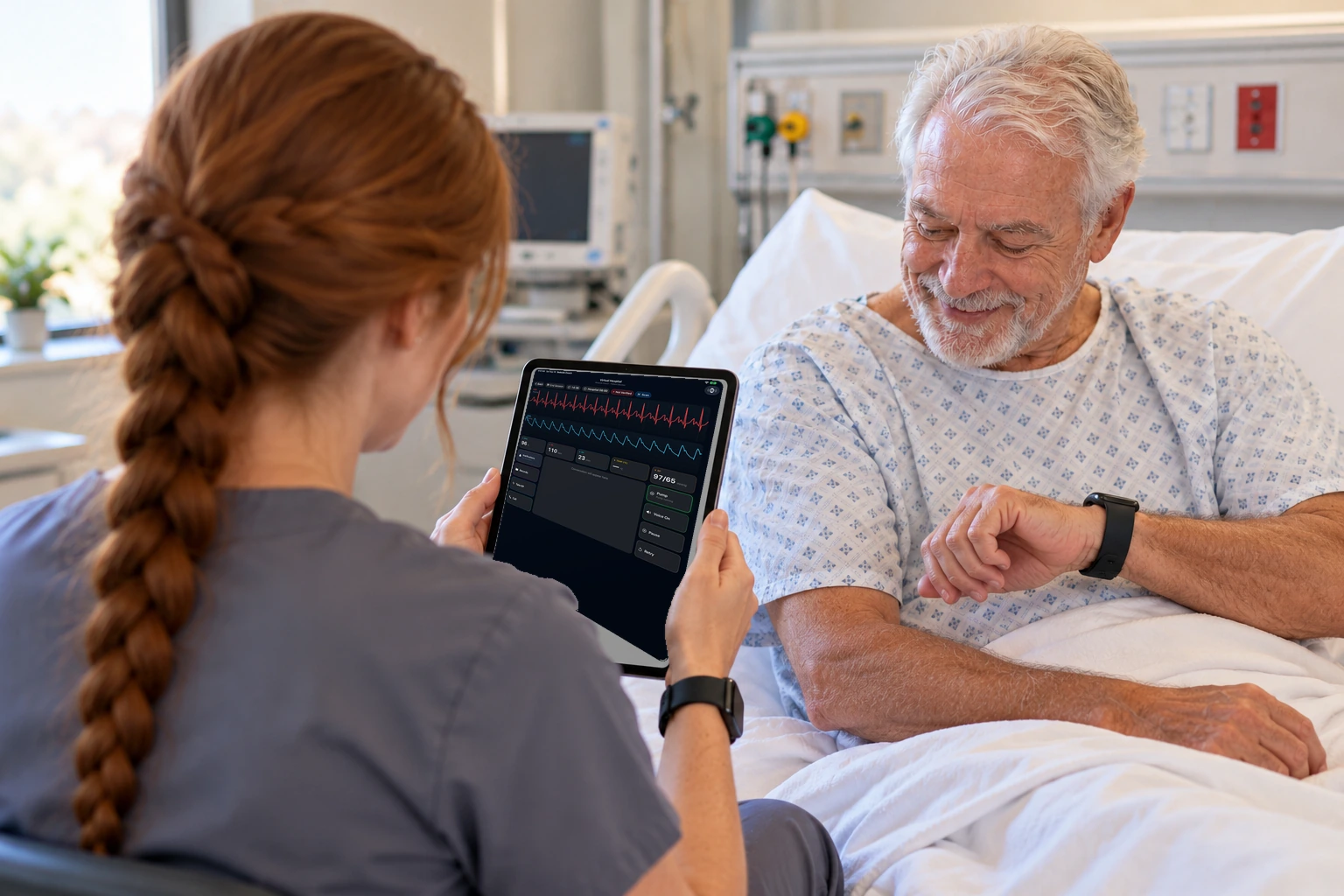
The bedside screen stays up, with the conversation, the vitals, and the pump.
How this helps you improve
How this helps you improve
The learner keeps talking with the patient here, with the vitals and the pump. The silent cues stay on the phone from the alert scene, so this screen can stay an ordinary bedside conversation.
What the app is doing
This picture is the bedside monitor. The silent cue buttons are on the phone in the alert scene, not on this screen.
Arrow keys or a sideways swipe move between scenes. Fictional practice only.