
- Apps
- Bedside Coach
- Instructor Session: Three Devices, One Patient
Bedside Coach · For faculty
Set up the bedside station
Three iPads share one patient on the local network. The bedside iPad runs the patient's voice on the device. The on-device AI model downloads once, and after that the room works offline. Faculty steer from a second iPad, and the student charts in ChartSlate. After the room ends, bedside coaching can be reviewed next to the signed chart.
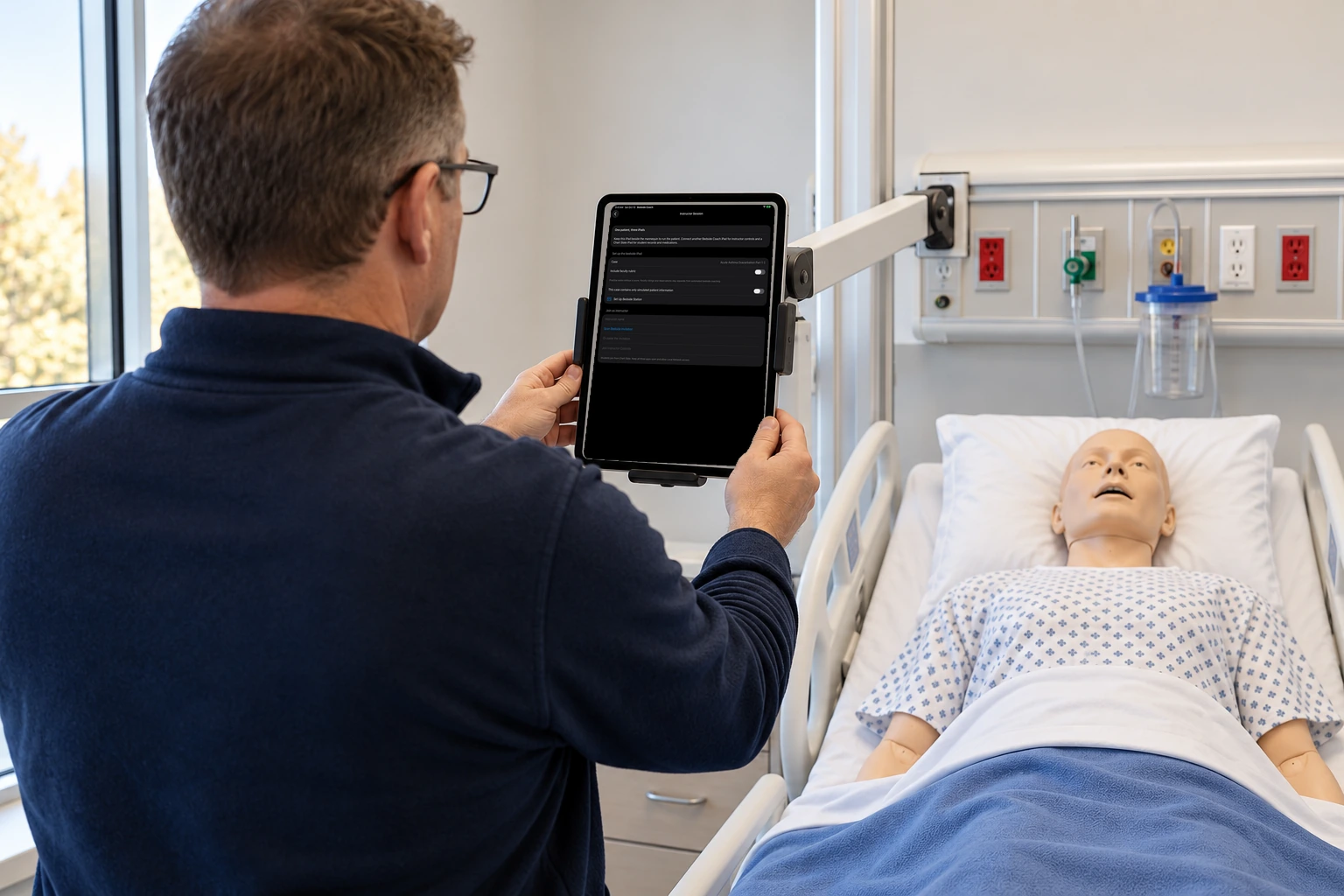
Faculty place an iPad beside the manikin as the bedside station.
Learn more about this feature
Why this is special
This iPad owns the patient's voice, the monitor, the pumps, and the clock. Until it is ready, the student chart and the faculty console have nothing to join.
What the app is doing
It runs the patient's voice, the monitor, the pumps, and the timing.
Arrow keys or a sideways swipe move between scenes. Fictional practice only.