
- Apps
- Bedside Coach
- Spatial Bedside on Apple Vision Pro
Bedside Coach · For students
End and debrief
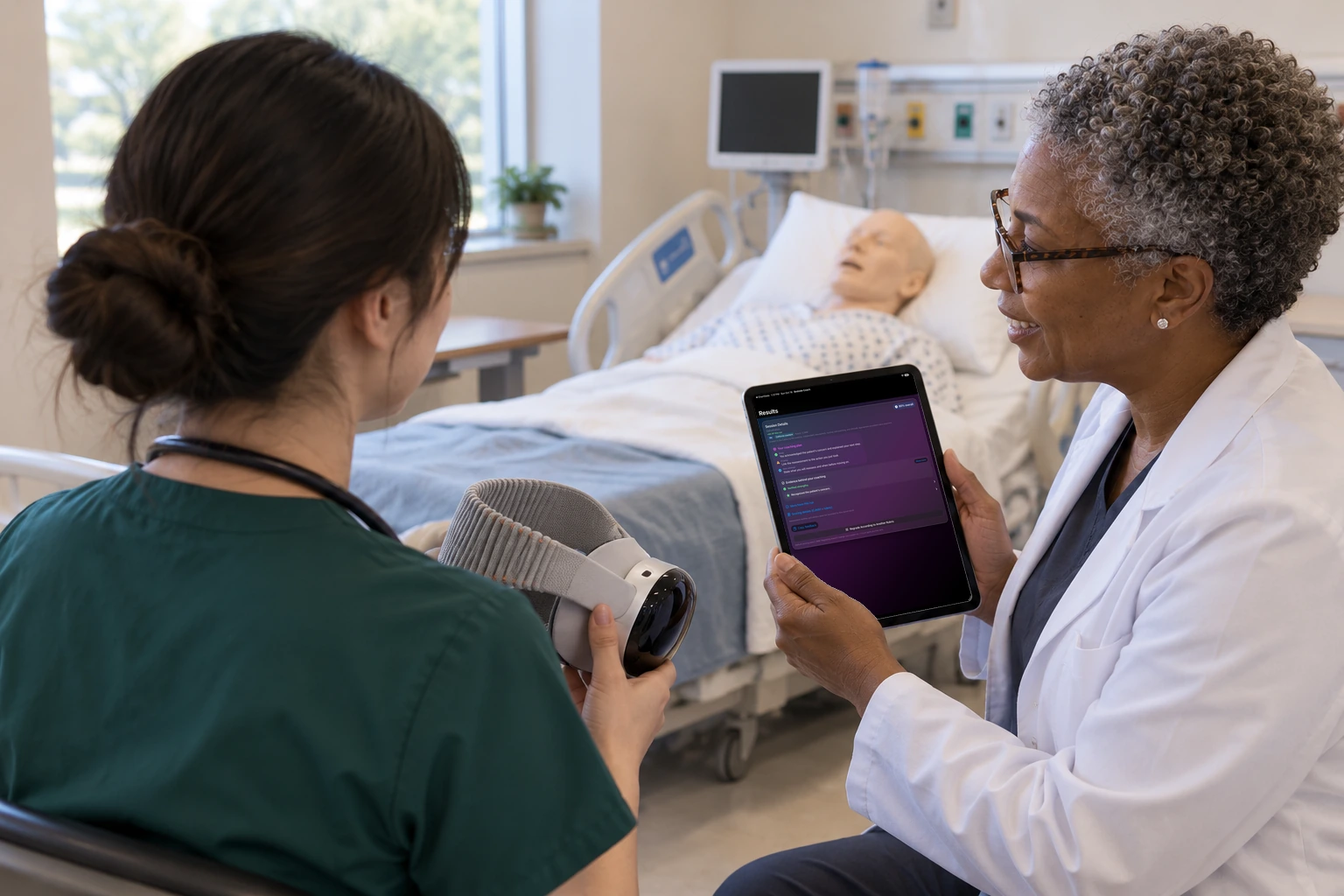
After the session, the student and a faculty member review the coaching on an iPad.
How this helps you improve
How this helps you improve
This is the coaching from the spatial run, reviewed together on the iPad. The control that ends the headset session is separate.
What the app is doing
The card matches the coaching from any other Bedside Coach run. This picture is the iPad summary, not the headset control panel.
You followed this path
You placed the vitals in the room, kept them in view, verified a medication, and programmed the pump where it hangs. The coaching afterward uses that run, the same way it would on an iPad.
Bedside Coach is free to use, and no account is required. Next, you can follow Apple Watch: Learner Alerts & Actor Cues.
Engage Brandon if you want help using a path like this with your faculty.
Arrow keys or a sideways swipe move between scenes. Fictional practice only.