
- Apps
- Bedside Coach
- Spatial Bedside on Apple Vision Pro
Bedside Coach · For students
Vitals beside the manikin
On Apple Vision Pro the case sits in the room with the manikin: vitals, medications, and the pump where you are working. You speak normally, and the panels stay in place so your hands are free. The on-device AI model downloads once, and after that the session works offline, with the same kind of coaching as any other run.
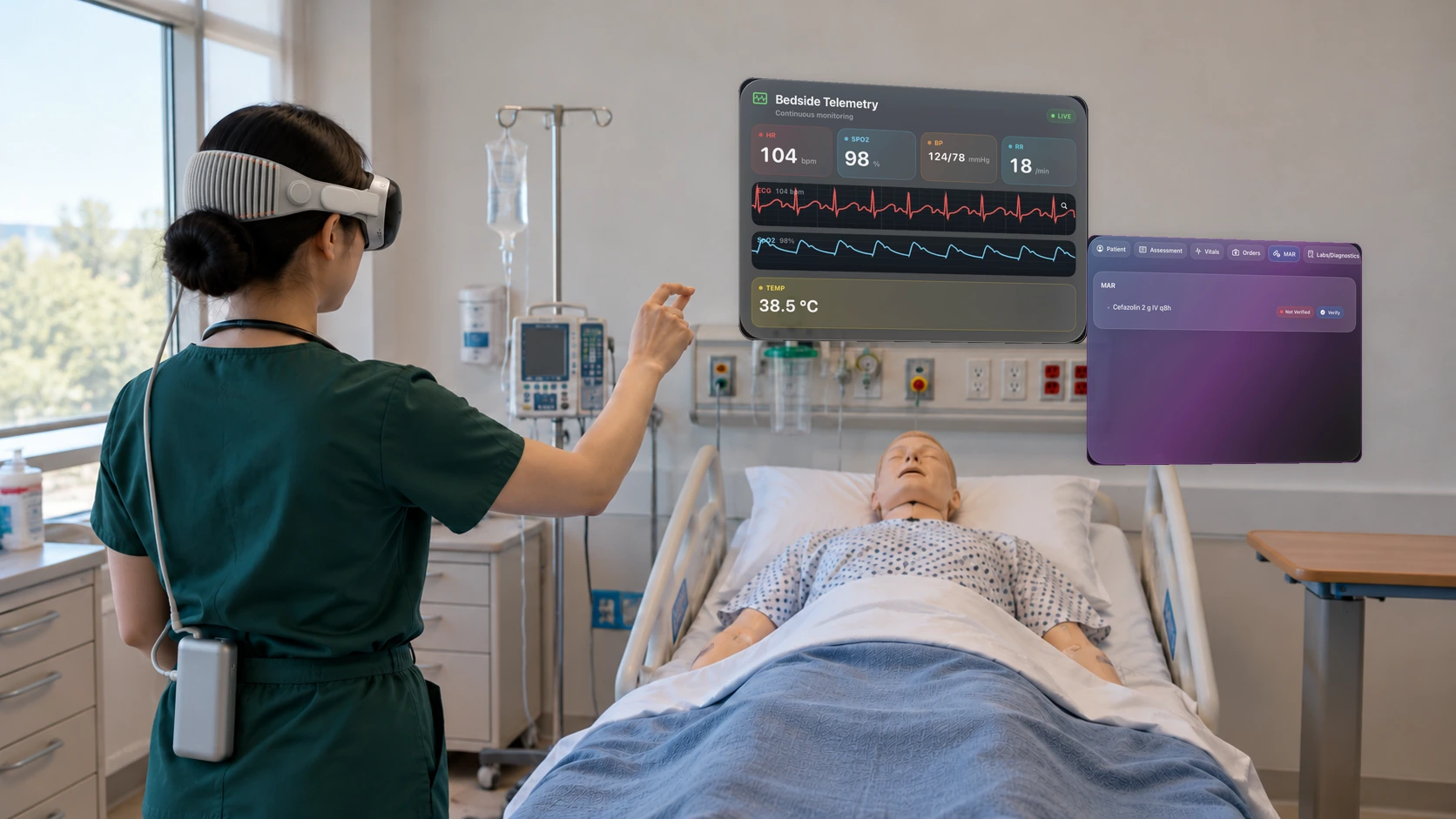
A vitals panel hangs in the air beside the manikin.
Learn more about this feature
Why this is special
The numbers stay beside the manikin, so you look at the person instead of down at a phone. Putting the panel where you can see it is the first part of the care.
What the app is doing
On Apple Vision Pro the panel shows the heart rate, the rhythm, and the other numbers in the room.
Arrow keys or a sideways swipe move between scenes. Fictional practice only.