
1. Apps
  2. Bedside Coach
  3. Instructor Session: Three Devices, One Patient

Bedside Coach · For faculty

Faculty steer the scenario
Scene 4 of 5

  1. 1
  2. 2
  3. 3
  4. 4
  5. 5
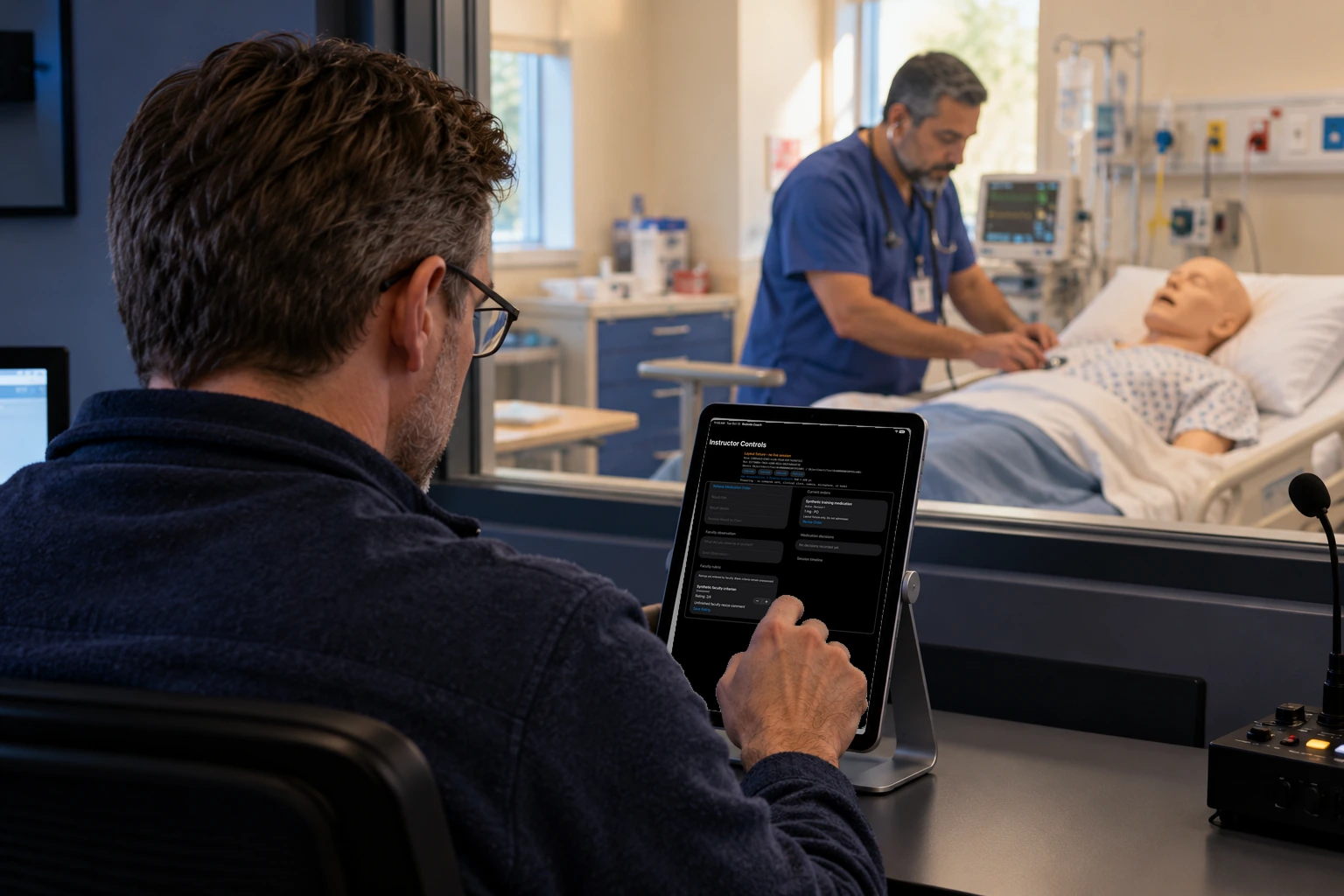
A faculty member holds an iPad with controls to speak as the patient, change vitals, release an order, or start a pump alarm.

Faculty can speak as the patient, change the vitals, or start a call or a pump alarm.

How this helps you improve

How this helps you improve

Faculty can change the case on purpose: a vital sign, a line for the patient to say, a call, or a pump alarm. Those are faculty cues. The coaching looks at how the student responds.

What the app is doing

They can also release an order or a result onto the student's chart when the scenario needs it.

Arrow keys or a sideways swipe move between scenes. Fictional practice only.

Optional curriculum integration

Bring the apps into your program

Bedside Coach, ChartSlate, and Sibyl Sim are free to use. No engagement is required to use the apps. If you'd like help tying them into your curriculum or building assignments with your faculty, you can engage Brandon for a day, a week, or a month.

Or email domingueznursing@gmail.com.

Please do not include patient information, student records, or other confidential material in your message.