Sibyl Sim · For faculty
Privacy Stop
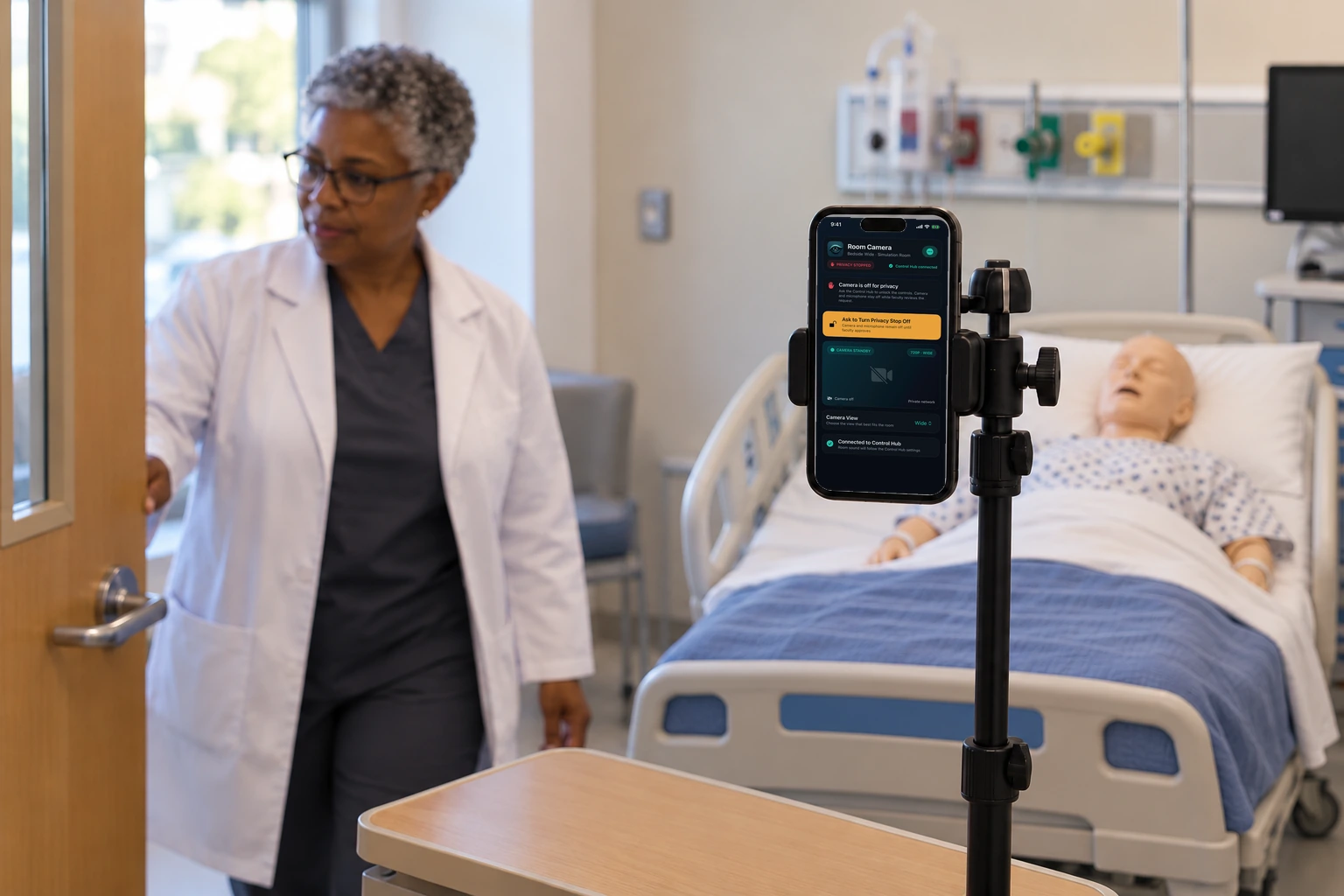
Privacy Stop pauses the recording, the cameras, and the remote sound right away.
How this helps you improve
How this helps you improve
Privacy Stop is the pause that makes the room safe. Nothing starts again until faculty turn it off.
What the app is doing
They stay off until faculty turn Privacy Stop off. Nothing starts again by itself.
You followed this path
Sibyl Sim is free to use, and no account is required. Next, you can follow Watch Live & Debrief Playback.
Engage Brandon if you want help using a path like this with your faculty.
Arrow keys or a sideways swipe move between scenes. Fictional practice only.