
- Apps
- ChartSlate
- My Charting: Sign, Submit, Amend
ChartSlate · For students
Feedback and return
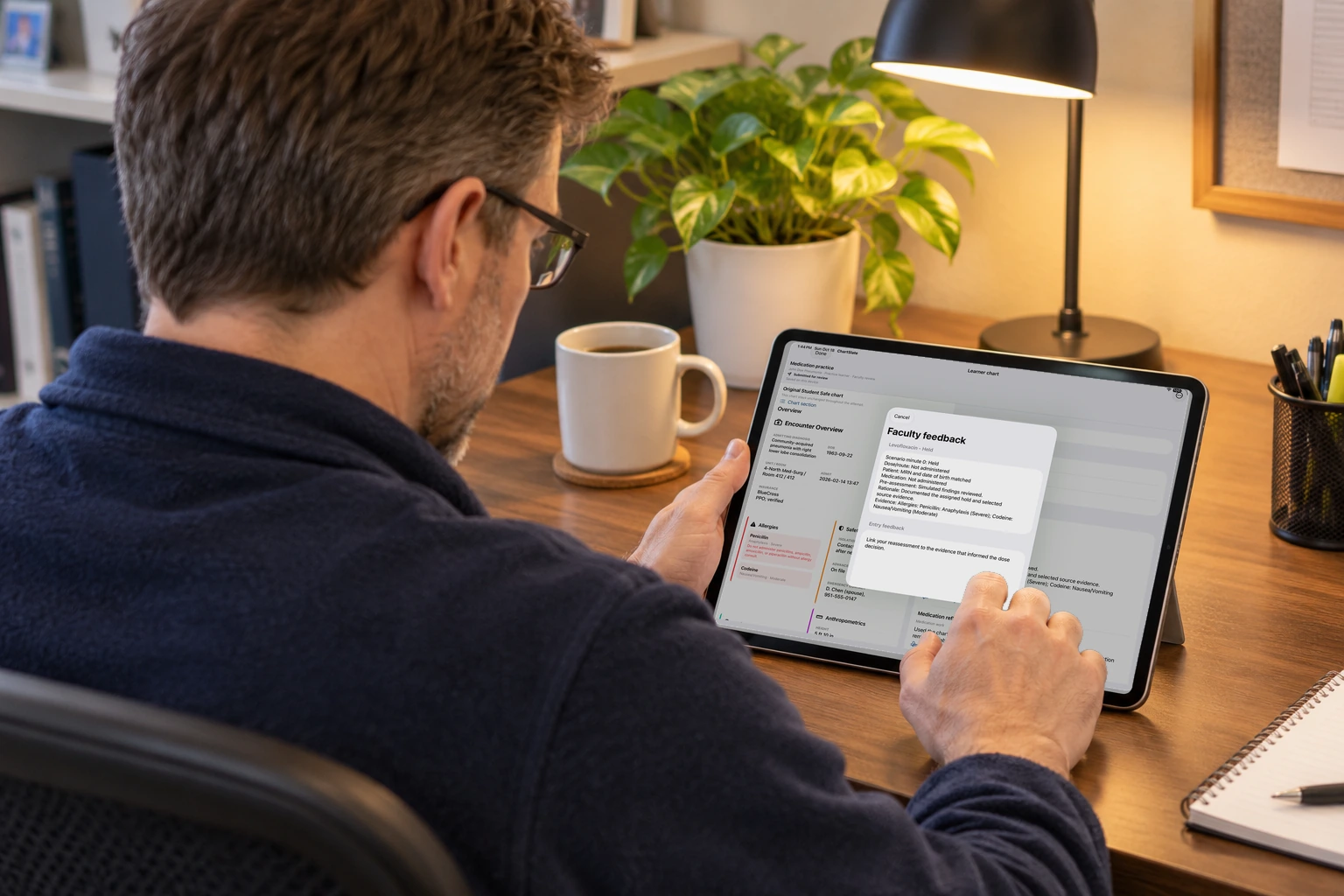
Faculty open the submitted file and comment on an entry.
How this helps you improve
How this helps you improve
Faculty review the comment on the device before it goes back as finished feedback.
What the app is doing
A drafted comment is reviewed on the device before it is used. Faculty can return the work or finish the review.
You followed this path
ChartSlate is free to use, and no account is required. Next, you can follow Build a Case: Guided or Imported.
Engage Brandon if you want help using a path like this with your faculty.
Arrow keys or a sideways swipe move between scenes. Fictional practice only.