
1. Apps
  2. ChartSlate
  3. Build a Case: Guided or Imported

ChartSlate · For faculty

Choose how to build it
Scene 2 of 4

  1. 1
  2. 2
  3. 3
  4. 4
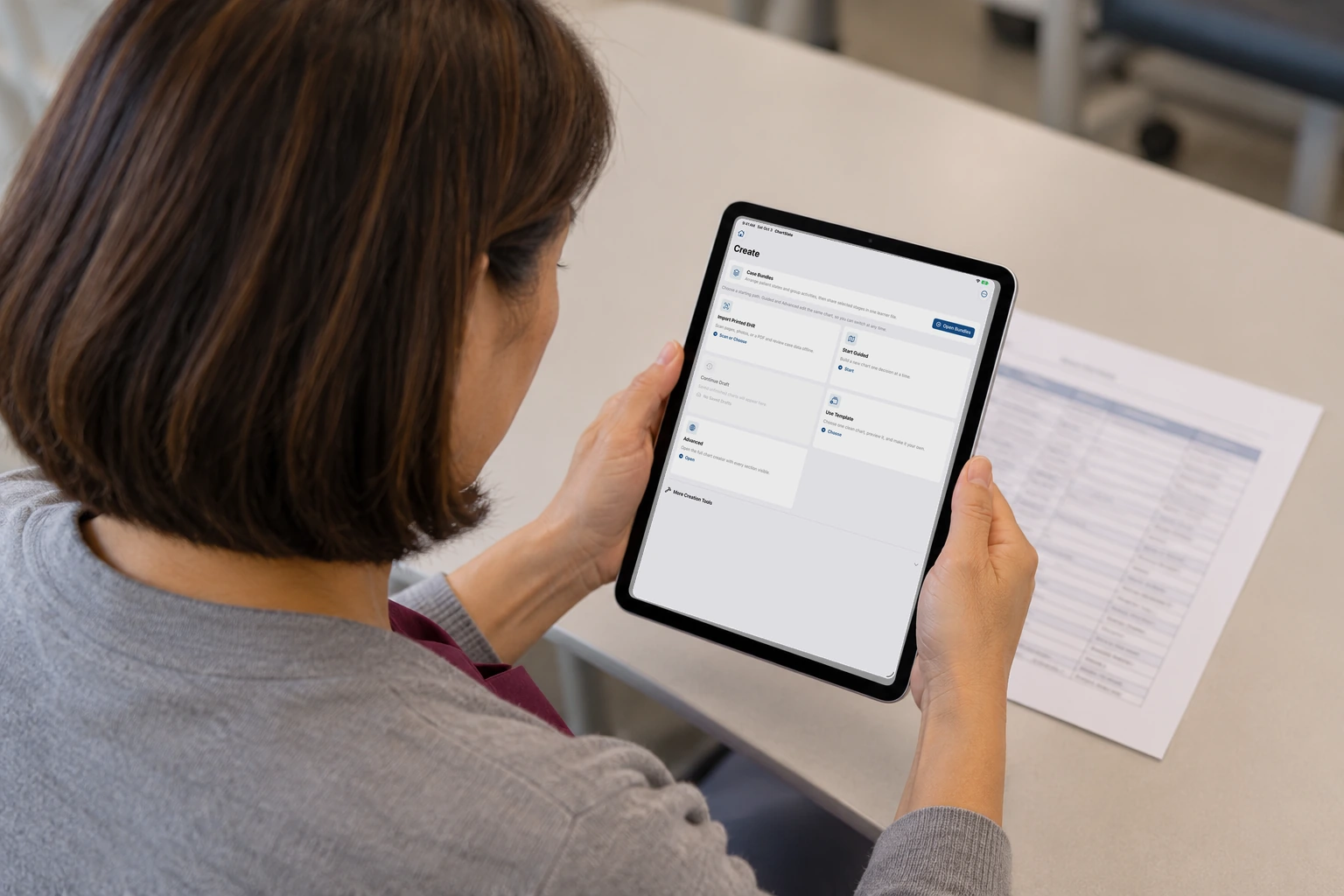
An iPad shows the create menu, including Start guided, Import printed pages, and Create next state.

The create screen lists Start guided, Import printed pages, Duplicate, and Create next state.

How this helps you improve

How this helps you improve

Faculty choose how to build the chart: guided, from printed pages, a copy, or a later moment of the same patient. This screen is that choice, not the scan itself.

What the app is doing

This picture is the menu. It does not show the camera scanning a page.

Arrow keys or a sideways swipe move between scenes. Fictional practice only.

Optional curriculum integration

Bring the apps into your program

Bedside Coach, ChartSlate, and Sibyl Sim are free to use. No engagement is required to use the apps. If you'd like help tying them into your curriculum or building assignments with your faculty, you can engage Brandon for a day, a week, or a month.

Or email domingueznursing@gmail.com.

Please do not include patient information, student records, or other confidential material in your message.