
- Apps
- Bedside Coach
- Test Sessions (Proctor Mode)
Bedside Coach · For faculty
Open the proctor dashboard
Proctor Mode is a checkoff with a rubric you choose and scores you enter yourself. One nearby student can run the case while you watch a live dashboard. The app can suggest evidence, but you still choose every score, and it does not invent a passing grade.
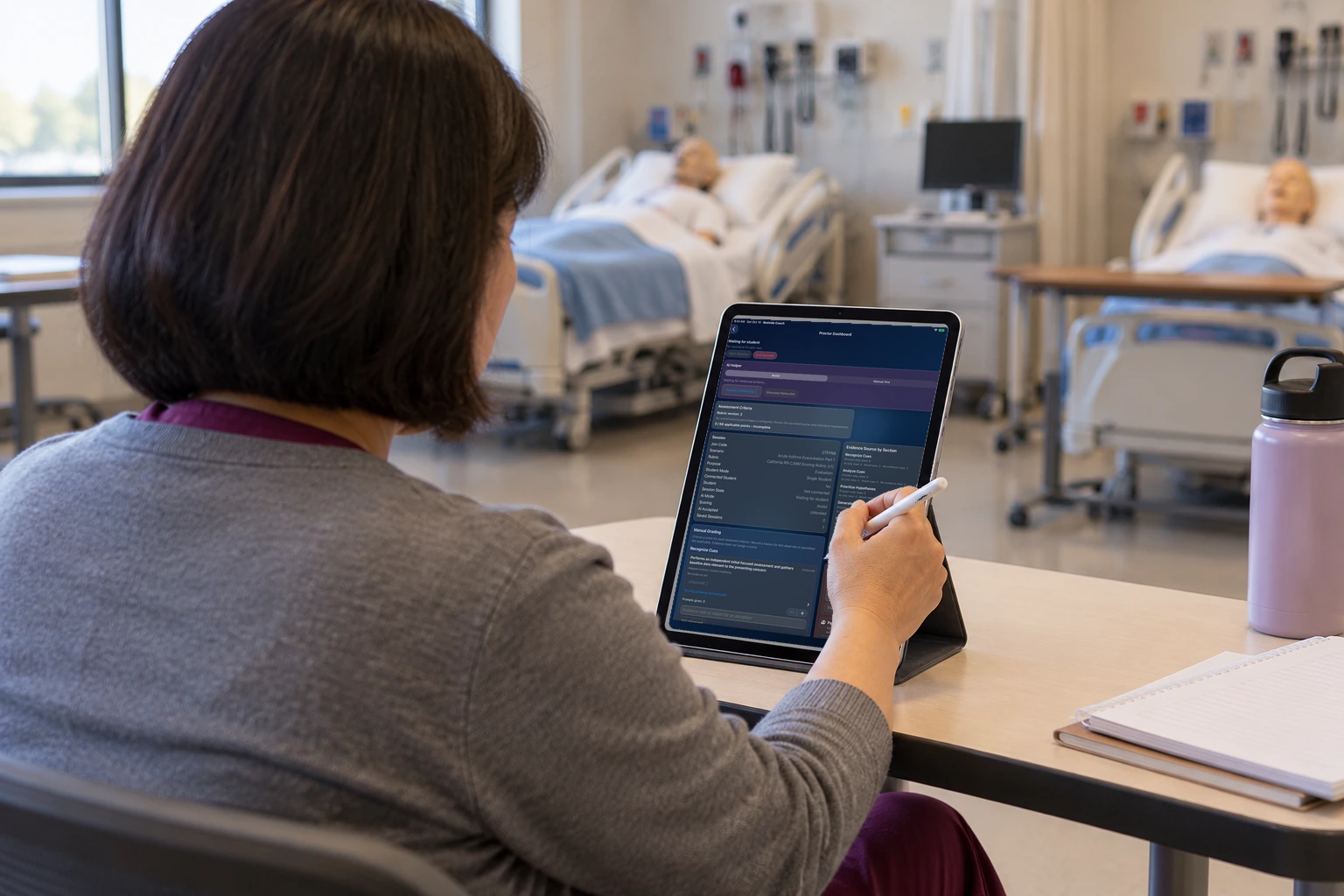
The proctor's iPad shows the live dashboard, including rubric guidance.
Learn more about this feature
Why this is special
The dashboard is where the proctor watches the case with the rubric in view. A suggestion in the review queue can become evidence, and you still choose the score.
What the app is doing
The review queue and proctor actions are on the screen. A separate rubric picker is not what this picture shows.
Arrow keys or a sideways swipe move between scenes. Fictional practice only.