
- Apps
- Bedside Coach
- Medications, Barcodes & IV Pumps
Bedside Coach · For students
Program the pump, clear the alarm
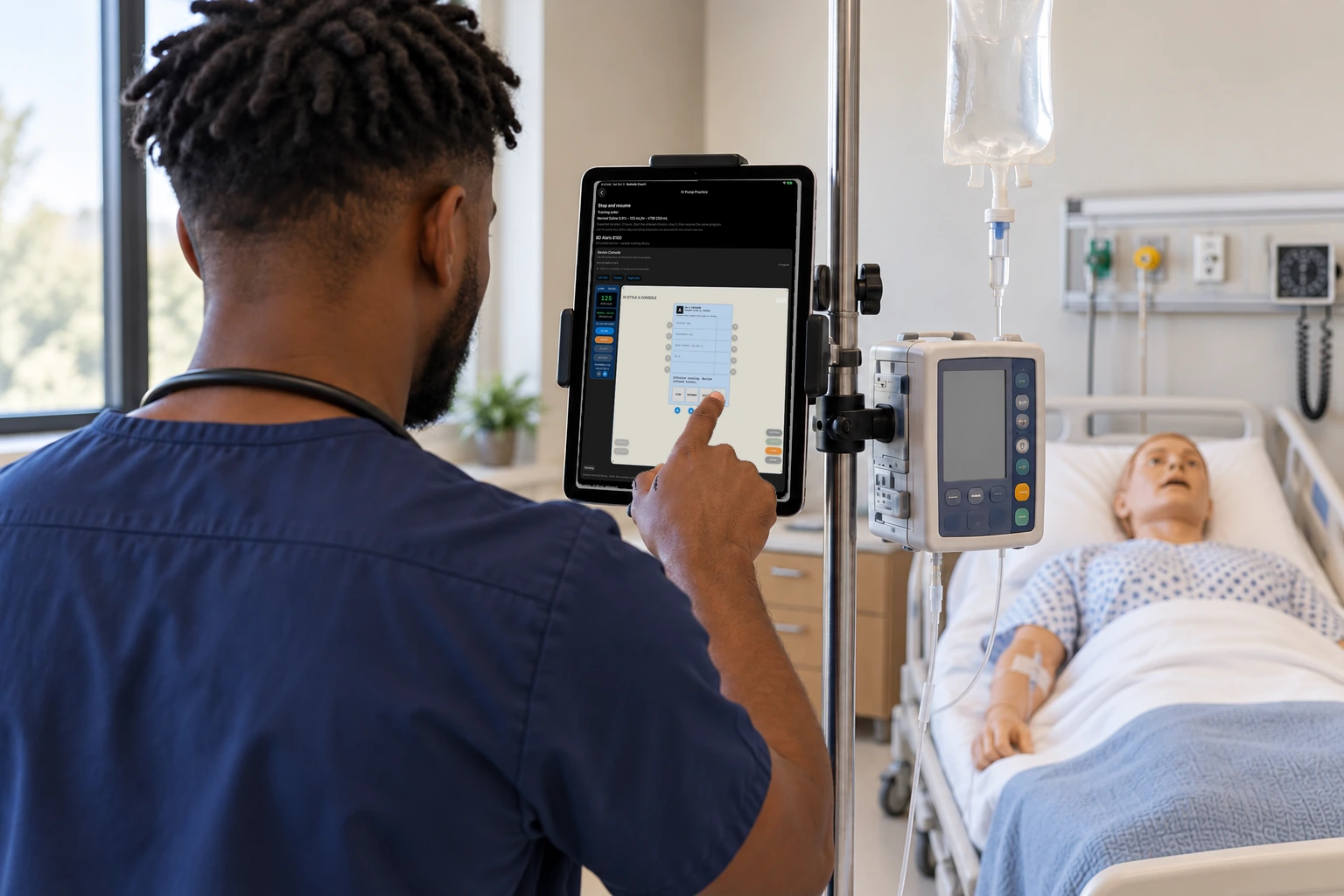
The student sets the rate and the volume on the practice pump.
How this helps you improve
How this helps you improve
The rate and volume you enter are what the later pump feedback can review. Any alarm comes later, not on this screen.
What the app is doing
The screen shows the pump face, the dose, and Start. An alarm is not on this screen.
You followed this path
You matched a label to the chart, checked the patient, scanned the medication, and set a rate and volume. The later review can separate a scan from a dose given, and show how the pump was programmed.
Bedside Coach is free to use, and no account is required. Next, you can follow Multi-Patient Mode.
Engage Brandon if you want help using a path like this with your faculty.
Arrow keys or a sideways swipe move between scenes. Fictional practice only.